Video Cutter: Cut & Trim Clips Online, Free
Use a video cutter to chop videos instantly into tight, punchy clips. Save time, keep it sharp, and drive engagement like never before.
Trim Your Videos Now!The short answer
quso.ai's video cutter is a browser app you sign up for, built for cutting long videos into short clips by timestamp, by transcript, or with AI picking the moments. The Free plan costs nothing and gives you 75 credits a month (about 75 minutes of video), with 720p exports carrying a quso.ai watermark. For 1080p exports without the watermark, the Lite plan costs $29 a month.
Updated
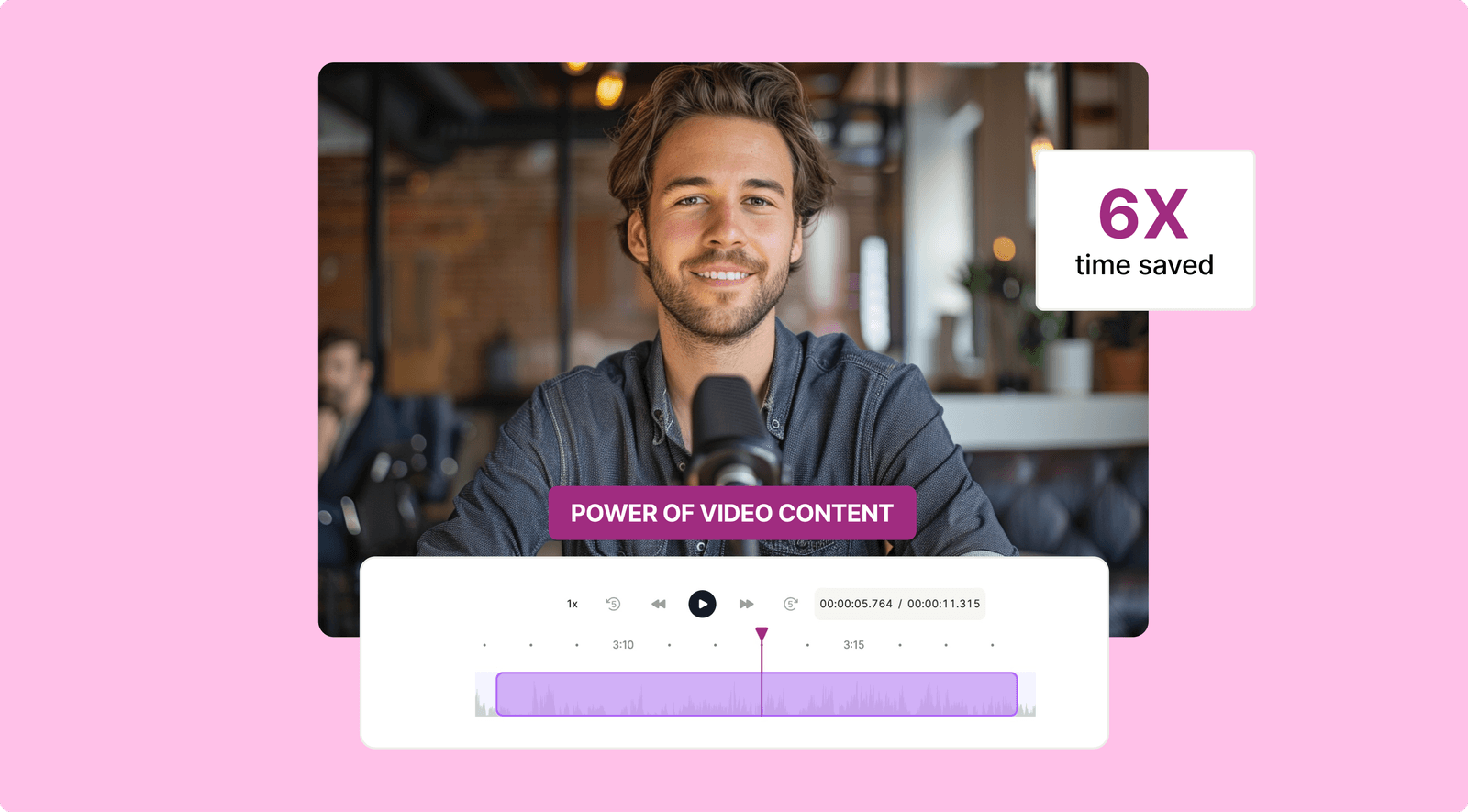
The short answer
quso.ai's video cutter is a browser app you sign up for, built for cutting long videos into short clips by timestamp, by transcript, or with AI picking the moments. The Free plan costs nothing and gives you 75 credits a month (about 75 minutes of video), with 720p exports carrying a quso.ai watermark. For 1080p exports without the watermark, the Lite plan costs $29 a month.
Trim Your Videos Down to What Matters Most

Cut the Noise, Keep the Content
Trim the noise and keep the moments that matter. Got a 10-minute clip but only need that 15-second mic-drop moment? We've got you covered. You bring the content; we'll handle the trim like a pro.

Trim Your Videos With Precision
Cut it. Trim it. Perfect it. Our tool is designed for you, who value speed and precision. Whether it’s a TikTok banger or a polished YouTube intro, quso.ai makes it as easy as a click. Drag, drop, and boom—your masterpiece is ready.

Common Formats In, Social Formats Out
Upload an MP4, MOV or WebM file, or paste a video link. Export the cut in 16:9, 9:16 or 1:1, so the same clip fits YouTube, TikTok, Reels and Shorts.
Create The Best Clips For Your Brand In Minutes With the Online Video Cutter
720p Free, 1080p on Paid Plans
Know what you get before you export. Free exports are 720p with a quso.ai watermark. Lite, at $29 a month, and every plan above it export 1080p clips without the watermark.

Cut by Timestamp or Transcript
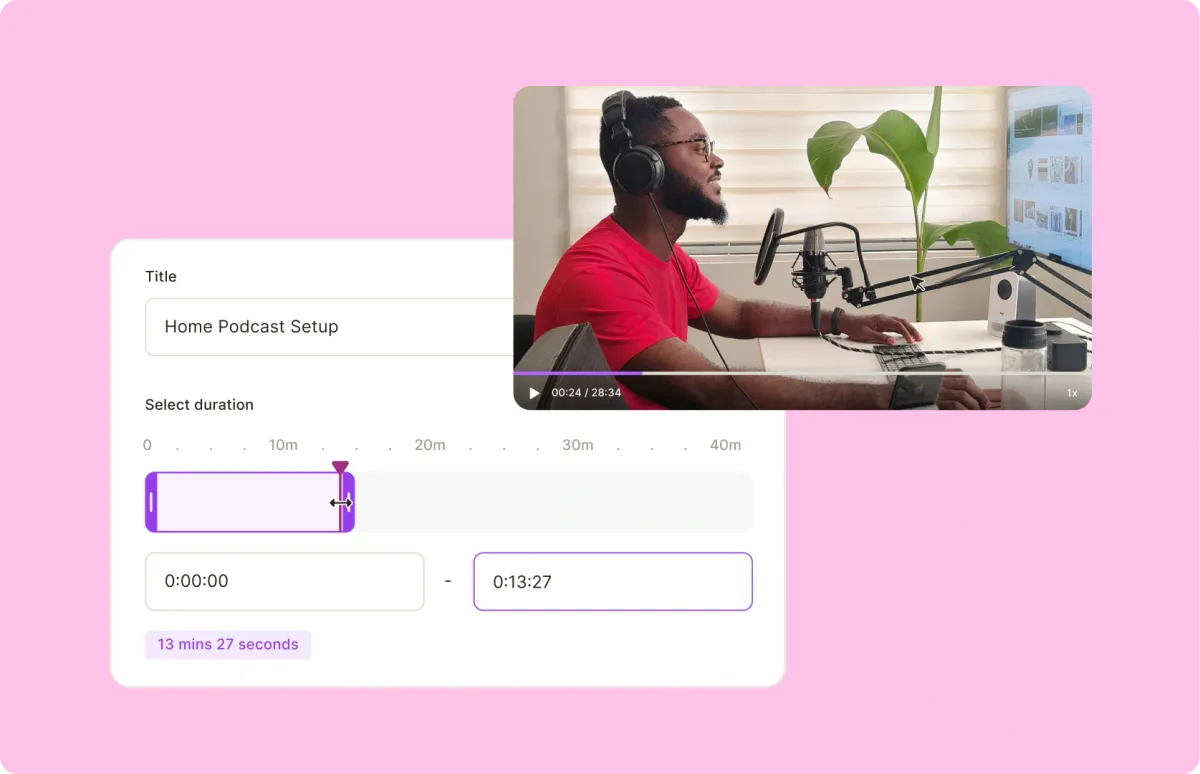
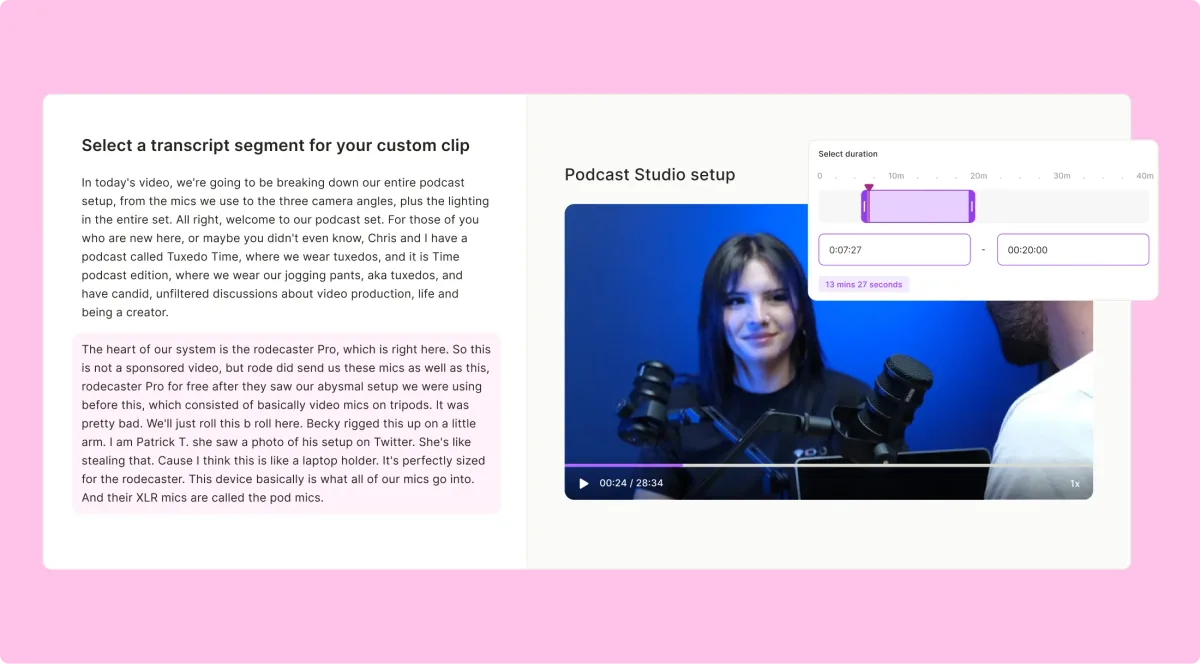
Set the exact start and end time of a clip, or select the transcript lines you want to keep and cut around them. Trim the awkward pauses, keep the hero shot, and drop the rest.
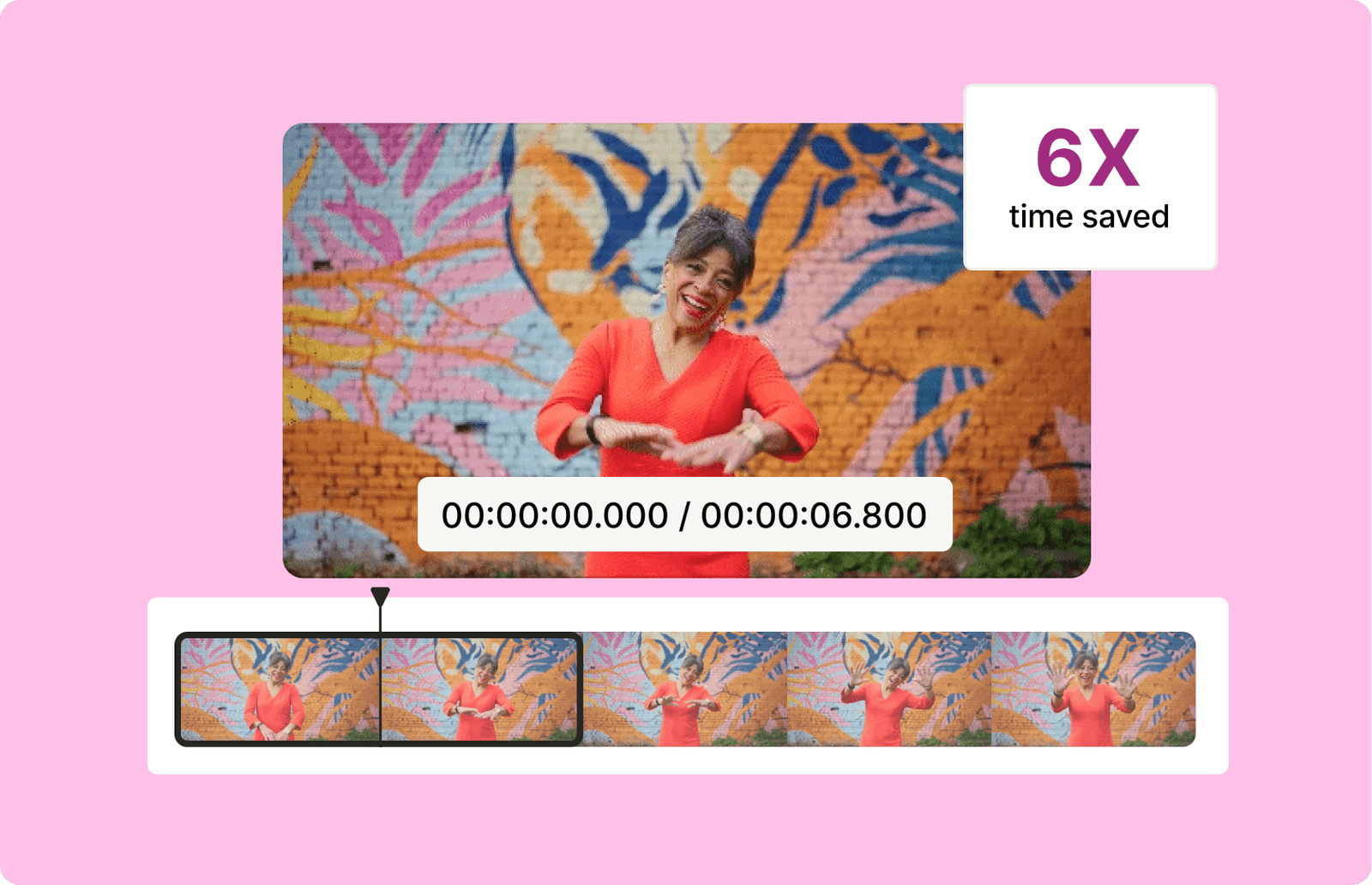
Your Creative Edge, Everywhere
From funny bloopers to dramatic highlights, use our video trimmer to create standout content for TikTok, YouTube, Instagram, or wherever your audience lives. Stop overthinking—start creating.
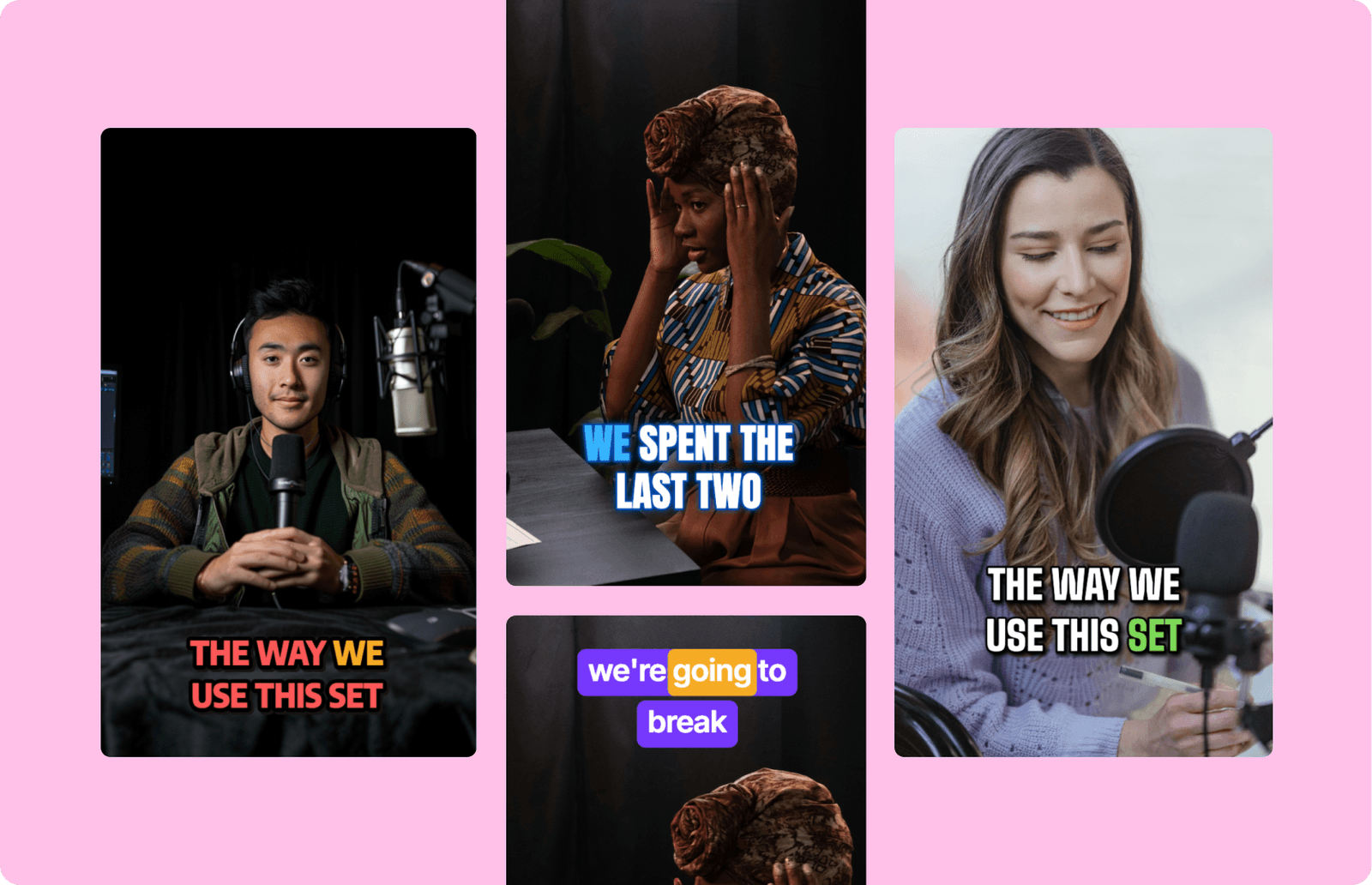
How to cut a video with quso.ai
- Create a free account. The cutter lives in the quso.ai web app, so you sign up first; there is nothing to install.
- Add your video. Upload an MP4, MOV or WebM file from your device, or paste a link to the video.
- Cut the clip. Set the exact start and end time, or select the transcript lines you want to keep. If you'd rather not pick, let the AI suggest short clips from the video.
- Export. Choose 16:9, 9:16 or 1:1 and download. On the Free plan exports are 720p with a quso.ai watermark and your data is kept for 7 days; paid plans from $29 a month export 1080p without the watermark.
Every minute of video you process uses about one credit, so a 20-minute recording takes roughly 20 of the Free plan's 75 monthly credits.
Video schneiden online: so geht's
Mit dem Video Cutter von quso.ai schneidest du Videos direkt im Browser, ohne Software zu installieren. Du brauchst nur ein kostenloses Konto.
- Lade dein Video hoch (MP4, MOV oder WebM) oder füge einen Videolink ein.
- Lege Start- und Endzeit fest oder markiere im Transkript die Sätze, die du behalten willst. Alternativ schlägt die KI passende kurze Clips vor.
- Wähle das Format (16:9, 9:16 oder 1:1) und exportiere den Clip.
Was kostet das? Der Free-Plan ist kostenlos und enthält 75 Credits pro Monat; ein Credit entspricht etwa einer Minute verarbeitetem Video. Exporte im Free-Plan haben 720p und ein quso.ai-Wasserzeichen. Ab dem Lite-Plan für 29 $ im Monat exportierst du in 1080p ohne Wasserzeichen.
Frequently Asked Questions
How do I cut a video online for free?+
What is the best program to cut videos?+
Where can I cut videos for free?+
How much does a video cutter cost?+
Is there a limit on how much video I can cut?+
How do I cut a video using quso.ai’s Video Cutter?+
Will the quality of my video be affected after cutting?+
What file formats does the Video Cutter support?+
What is a Video Trimmer?+
Is quso.ai’s Video Cutter free to use?+
Video Cutter: Cut & Trim Clips Online, Free
Trim Your Videos Now!quso.ai Research
The Short Form Video Performance Report
We measured 508,000 posts from 1,900 creators across 80 countries to separate what actually changes reach from what only sounds like it does.