


Seamlessly add accurate, engaging video captions in seconds using AI Caption Generator. Make your content more accessible, more watchable, and more likely to perform on silent autoplay and reach a global audience. With multiple styles, formatiing, templates and customisation option, quso.ai's AI Caption Generator is perfect for content creators aiming to increase their social media reach.

Trusted by 4M+ creators
-p-500.webp)


-p-500.webp)

Stop wasting hours on manual transcriptions. This AI caption generator uses speech recognition to instantly add accurate, time-aligned captions to your videos. Whether you're captioning for accessibility or silent autoplay, it's built to boost engagement—fast. Export in SRT, burn them in, or publish directly to platforms like YouTube, TikTok, and Instagram.

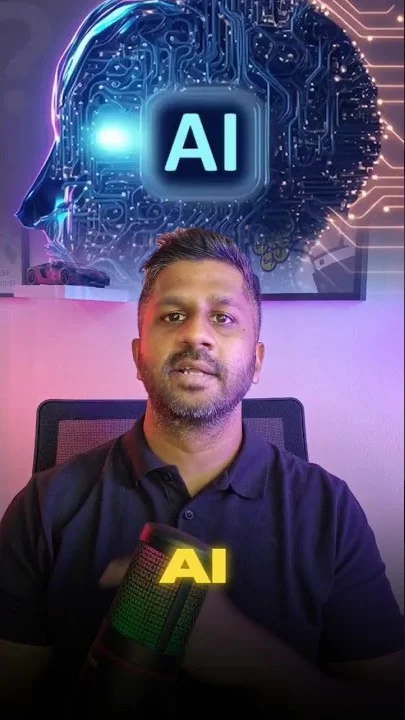
Do more than just generating captions— style your AI captions with your brand style. This AI caption generator lets you adjust fonts, colors, and text size to stay on-brand across every platform. Whether it’s bold for Reels, clean for corporate, or dynamic for Shorts, your captions stay consistent and professional without needing extra tools.

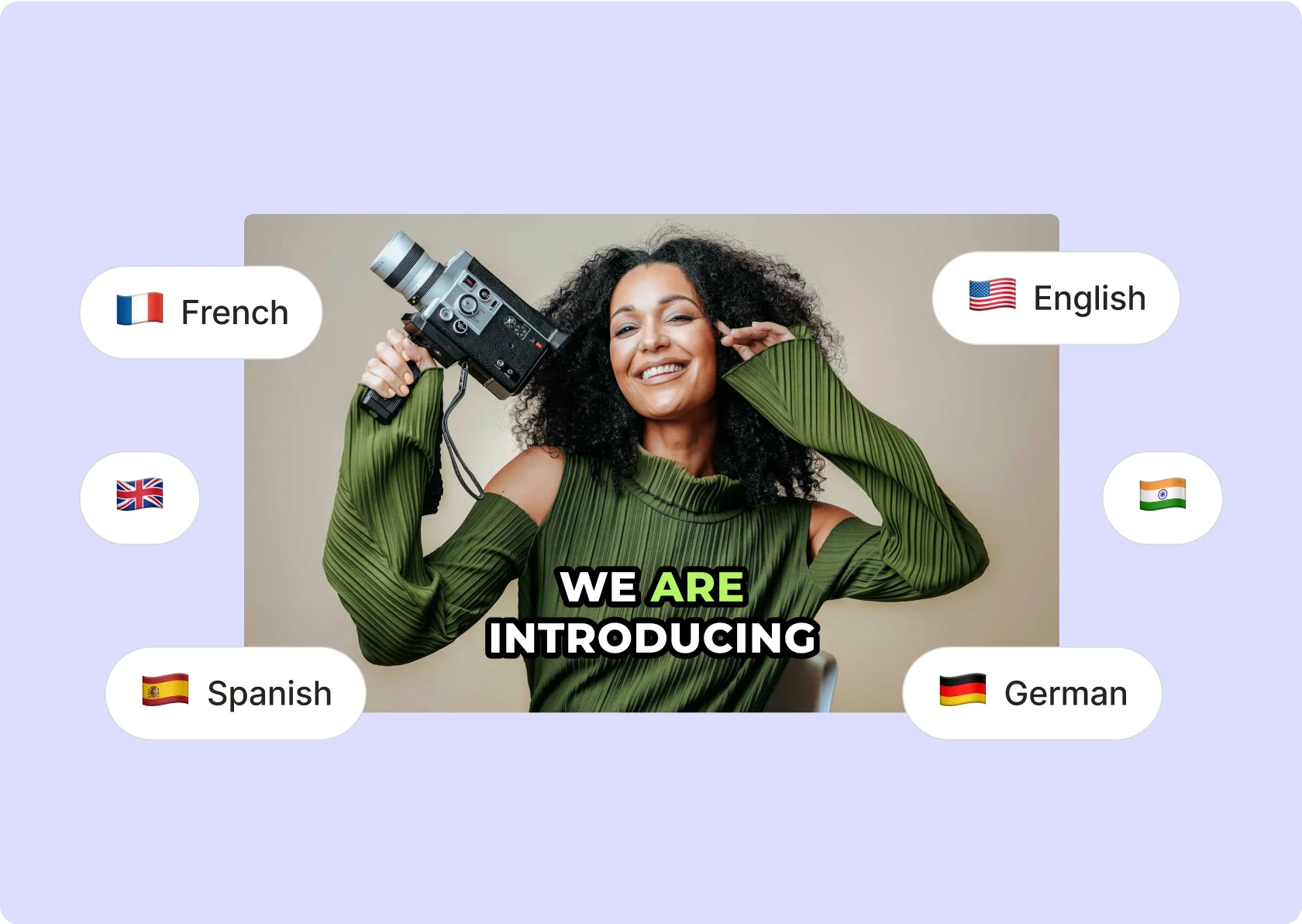
Make your videos more accessible and engaging. quso.ai's tool extends your content's reach by by captioning in more than 100+ languages. Opening up your videos to a broader audience, amplifying engagement and viewership.
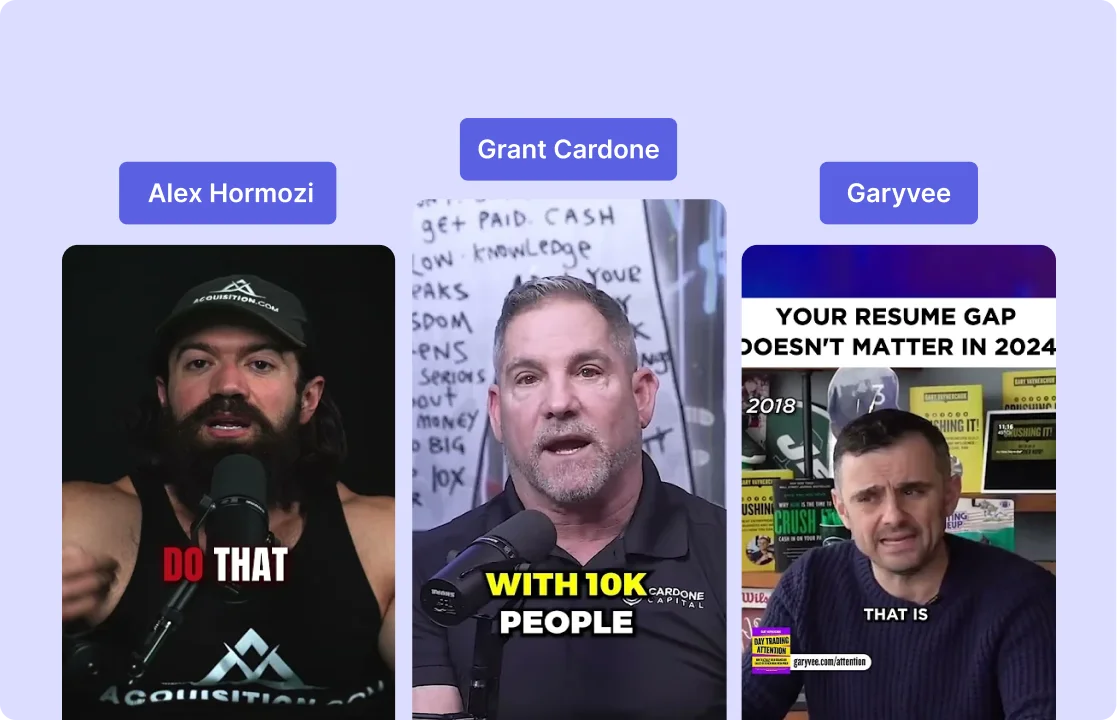
Match the style of top creators without doing it manually. This AI caption generator helps you add clean, high-impact captions like the ones you see on videos from creators like Alex Hormozi and GaryVee. Use it to boost retention, highlight key lines, and make your message easier to follow—on any platform.
Add punchy text, adjust formatting, and align with your brand—without switching tools. Whether you’re captioning for Instagram, YouTube Shorts, or TikTok, this AI Caption Generator handles timing, layout, and styling in one place. You get total control over how your captions look—without wasting hours editing.
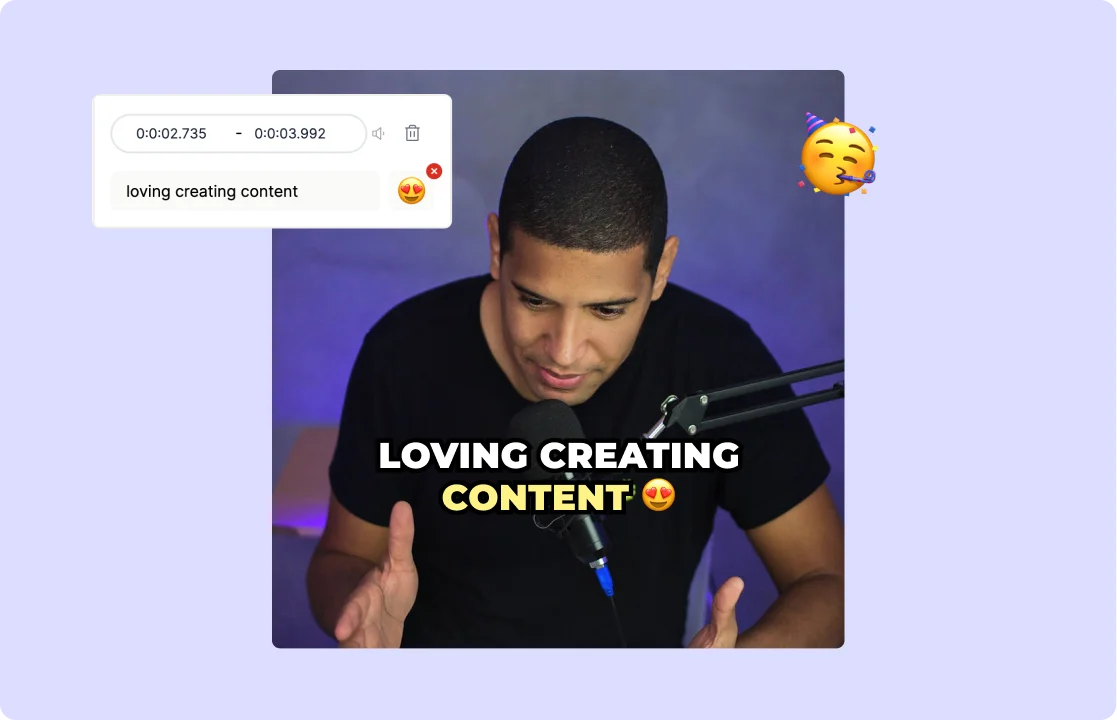
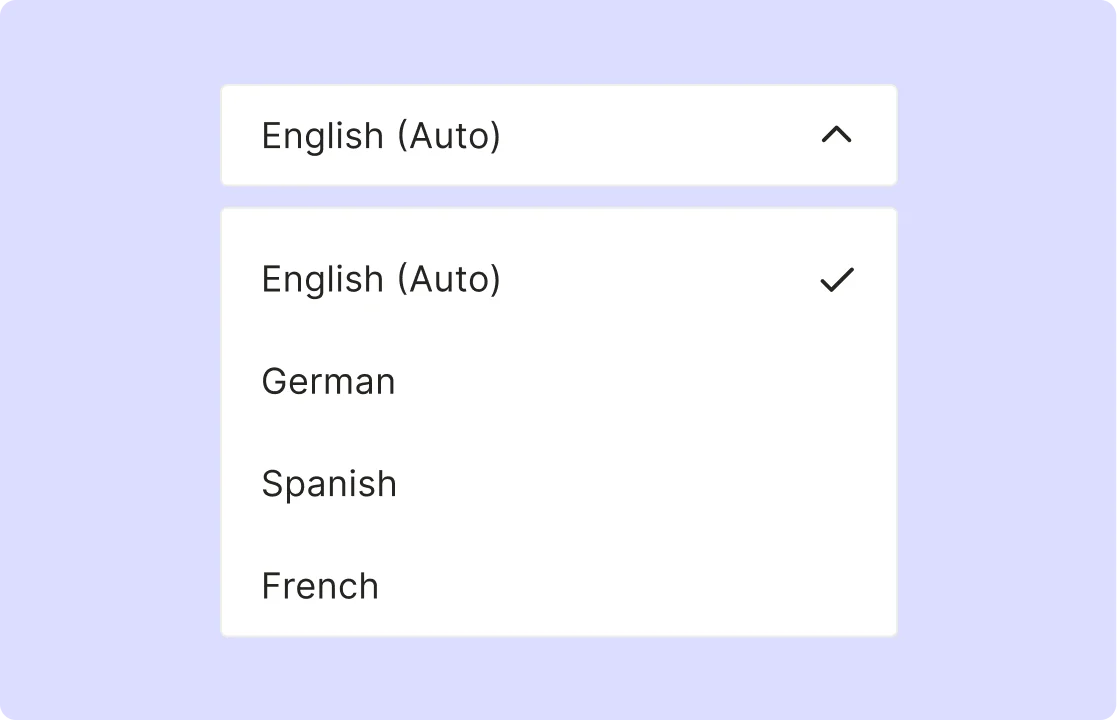
Adding captions to your videos makes them more searchable. It also significantly increases their shareability and engagement on social media platforms. This tool enhances the overall impact of your videos, driving higher engagement rates.
Upload your clip or paste a YouTube link—quso.ai supports MP4, MOV, MKV, and more for instant processing.
Our AI analyzes the audio and creates accurate, time‑coded captions in seconds—no manual transcription needed.
Choose styles, fonts, colors, entry/exit effects, and emojis to match your brand; tweak timing, line breaks, and text size with a click.
Export your video with embedded captions or grab an SRT file; publish directly to TikTok, Instagram, LinkedIn, or schedule via quso.ai.
Whether you’re comparing options or just getting started, quso.ai’s AI caption generator makes it simple to add captions to your videos for any platform. Research consistently shows that captioned videos perform better on the FYP, so creators who add captions to their clips typically see higher engagement. Tools that auto-caption your clips can save hours of editing time—see how AI captions stack up across the leading platforms.
To generate captions from a video, use an AI caption generator that automatically transcribes speech and syncs the text to the video timeline. Upload your video or paste a link, and the tool will create accurate video captions in seconds. You can then style, edit, and export them in formats like SRT, VTT, or as burned-in captions, ready for any platform.
Once your captions are created, most video caption makers let you download the video with captions burned in or export the subtitle file separately. To save the video from a caption generator, choose the “export with captions” or “download video” option. You can also download clean transcript files for later use or translation.
Closed captions are the accessibility standard format: timed, speaker-labelled text that works across platforms. Upload your video to quso.ai's AI caption generator, which automatically creates time-coded captions. Export as SRT (the standard closed caption format) and upload to YouTube Studio, TikTok, or LinkedIn or burn them directly into your video for platforms that don't support external caption files.
For long-form editing workflows where you're already in Premiere Pro, the built-in caption tool works. For social video — anything being repurposed across TikTok, Instagram, YouTube Shorts, and LinkedIn — an AI caption generator like quso.ai is significantly faster: upload, auto-transcribe, style, and publish in one workflow without exporting/importing caption files between tools.
To generate a caption transcript from a video, use a video captioner that includes transcript export functionality. After uploading your video, the tool will transcribe the speech and allow you to export a clean text transcript or subtitle file. You can use this transcript for blogs, summaries, translation, or SEO—making your video content more repurposable and accessible.
